

A practical guide / Fonix.AI
Freshsales integration: design and pilot guide
A worked scenario, illustrated decision review and a practical pilot worksheet.
Freshsales AI calling should leave a usable sales record
A Freshsales AI calling integration should connect the call to the current contact, account context, sales activity and next owner. A note on the wrong contact or a task without a due time gives the sales team more searching work rather than a better follow-up.
Use this Fonix.AI guide to define an integration pilot and its evidence. Freshsales account configuration, permissions and supported connector actions must be confirmed; the proposed mapping below is not a promise of a preinstalled native app.
Map contact lifecycle separately from outreach state
A contact's lifecycle, a deal stage and a call outcome answer different questions. “Not reached” should not mean “lost deal”; “requested a demo” does not prove the opportunity met a qualification rule. Keep those states distinct in your mapping.
The Freshsales API reference describes CRM resources and operations. Resolve the account's actual identifiers, activity configuration and user assignments before writing. Apply a dedicated server-side integration identity with only the actions the pilot needs.
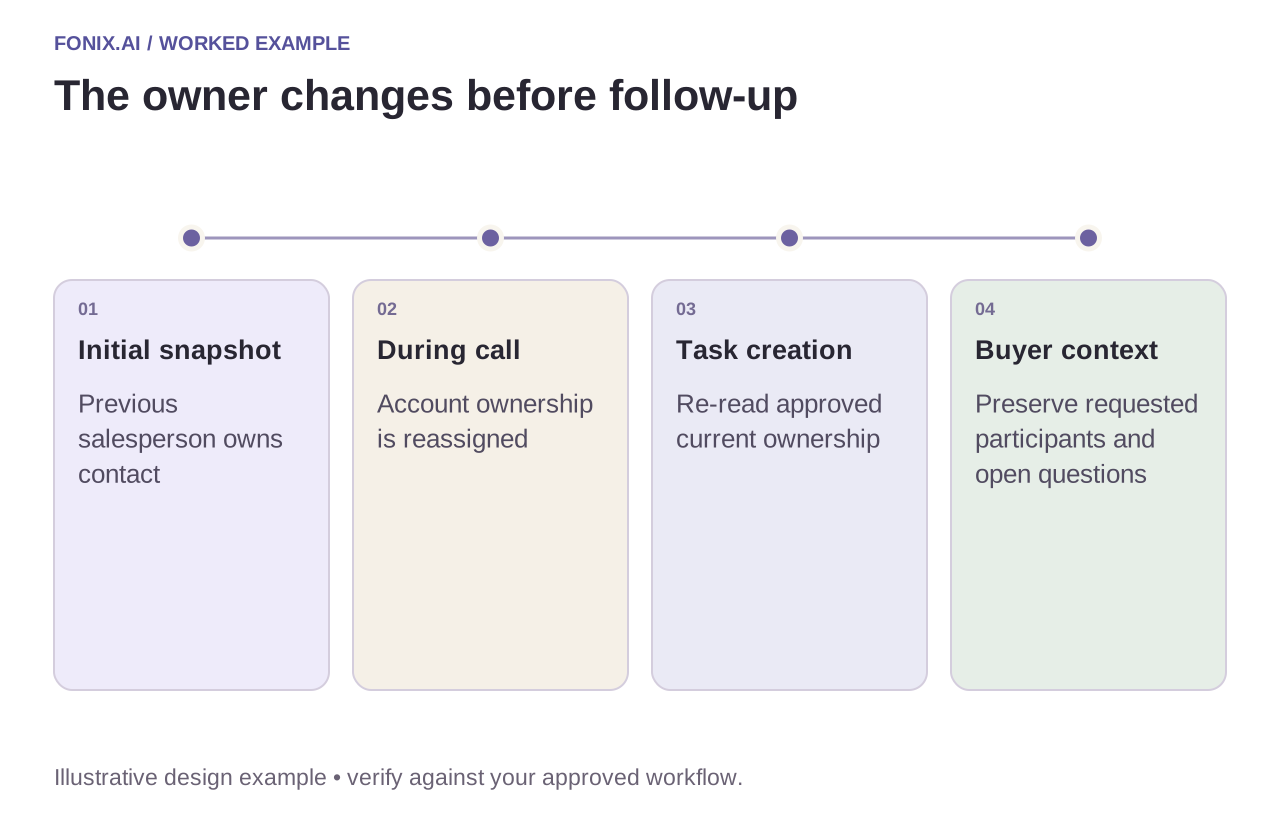
Worked example: the contact owner changes during the call
A fictional account is reassigned while a buyer discusses a technical demo. The integration's original snapshot names the previous salesperson. Before creating the follow-up task, re-read the current owner and apply the approved ownership policy. Preserve the buyer's requested participants without assigning work to someone who no longer owns the account.
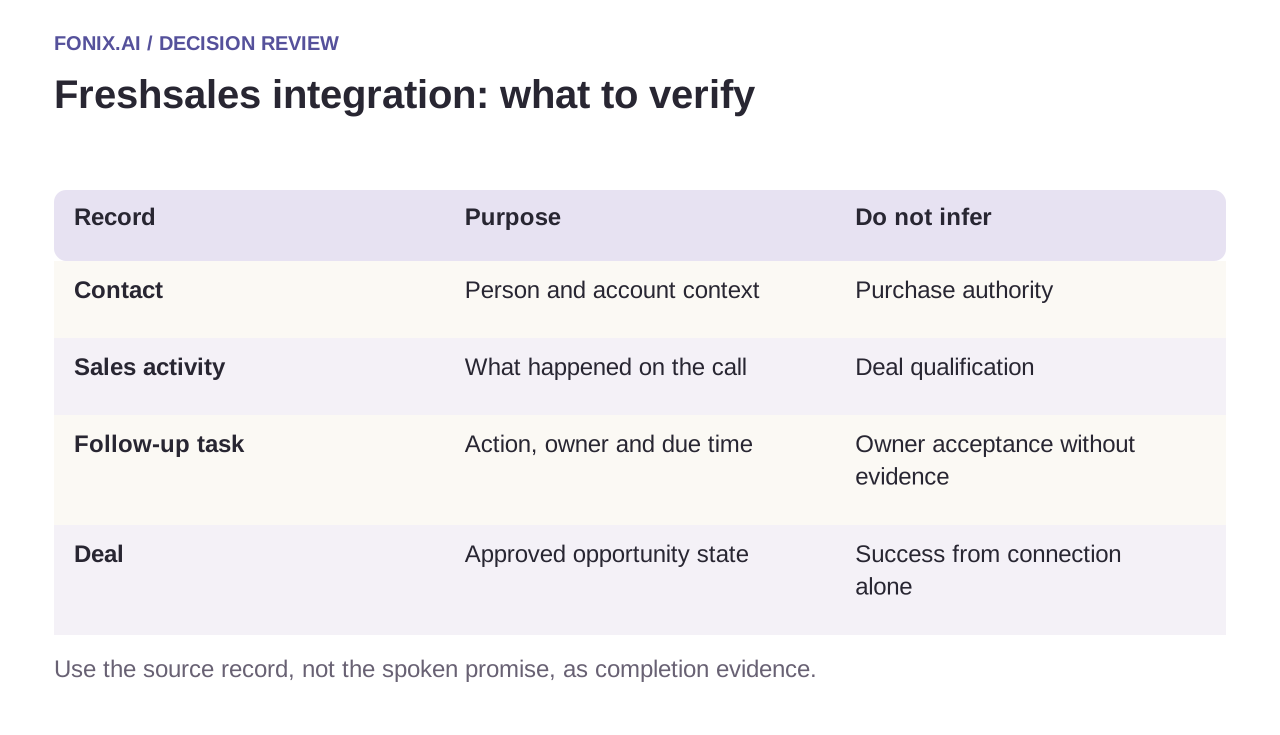
| Record | Purpose | Do not infer |
|---|---|---|
| Contact | Person and account context | Purchase authority |
| Sales activity | What happened on the call | Deal qualification |
| Follow-up task | Action, owner and due time | Owner acceptance without evidence |
| Deal | Approved opportunity state | Success from connection alone |
Protect against duplicate activities and stale updates
Use a durable call-event reference in your integration ledger. A repeated webhook should resolve to the existing activity and task, not add identical work. If activity creation succeeds but task creation fails, retry only the missing action after reconciling its result.
Keep original buyer statements and unresolved questions visible. Do not transform “we need engineering to review” into “integration approved”. If a field rejects the proposed value, record the failure and required correction; a generic success message to the caller would hide an incomplete sales handoff.
A Freshsales next-step and ownership worksheet
Use a Freshsales test account with contact, deal and activity examples. Define permitted lifecycle updates and the rule for owner changes. Prepare a sanitised call brief showing exactly which facts sales needs next.
| Pilot case | Required behaviour |
|---|---|
| The contact is reassigned during the conversation | Read the current owner before creating a follow-up task. |
| The call is not answered | Keep the call outcome separate from deal-loss or lifecycle decisions. |
| The activity succeeds but task creation fails | Preserve the accepted activity and recover the missing task without duplicating both. |
Measure correctly associated activities and tasks with an accountable owner and useful timing. Count stale assignments, duplicate tasks and sales clarification work. A note stored somewhere in the CRM is not enough.
Can every conversational outcome update the lifecycle?
No. A missed call, demo request and qualified opportunity are different events. Map each permitted transition to an explicit sales rule, leaving unknown budget, authority or timing unknown when the buyer did not establish them.
Review the salesperson's next conversation
Test a shared contact number, owner reassignment, invalid field value and a duplicate completion. Ask the receiving salesperson to act on the resulting record without hearing the entire recording. Measure accurate associations, accepted follow-ups and manual clarification rather than activity volume alone.
Bring your lifecycle definitions and activity map to review Freshsales voice calling. Lead qualification defines a usable buyer brief; warm transfer covers live sales acceptance. API reference checked 15 October 2026; validate the account's product and version.