

A practical guide / Fonix.AI
Make automation: design and pilot guide
A worked scenario, illustrated decision review and a practical pilot worksheet.
Make AI calling automation needs a recovery plan for each bundle
Make AI calling automation can branch a call outcome into CRM updates, follow-up messages and operational tasks. The hard case is partial completion: one destination accepts its action while another fails. Re-running the entire scenario without action identity can duplicate work.
Use this Fonix.AI guide to design a scenario around confirmed interfaces and a bounded business outcome. It is a scenario specification, not a tested downloadable blueprint or a claim of a native Make connector.
Define what each route is allowed to do
Normalise the event into a small approved schema and retain its source reference. Give every destination action a stable key. A router branch should correspond to a deliberate business rule, such as accepted callback versus unresolved request, rather than a guess from free-text sentiment.
Make's error-handling documentation and incomplete-execution guide describe recovery mechanisms. Select settings based on whether order matters and whether later events may safely proceed while an earlier one remains incomplete.
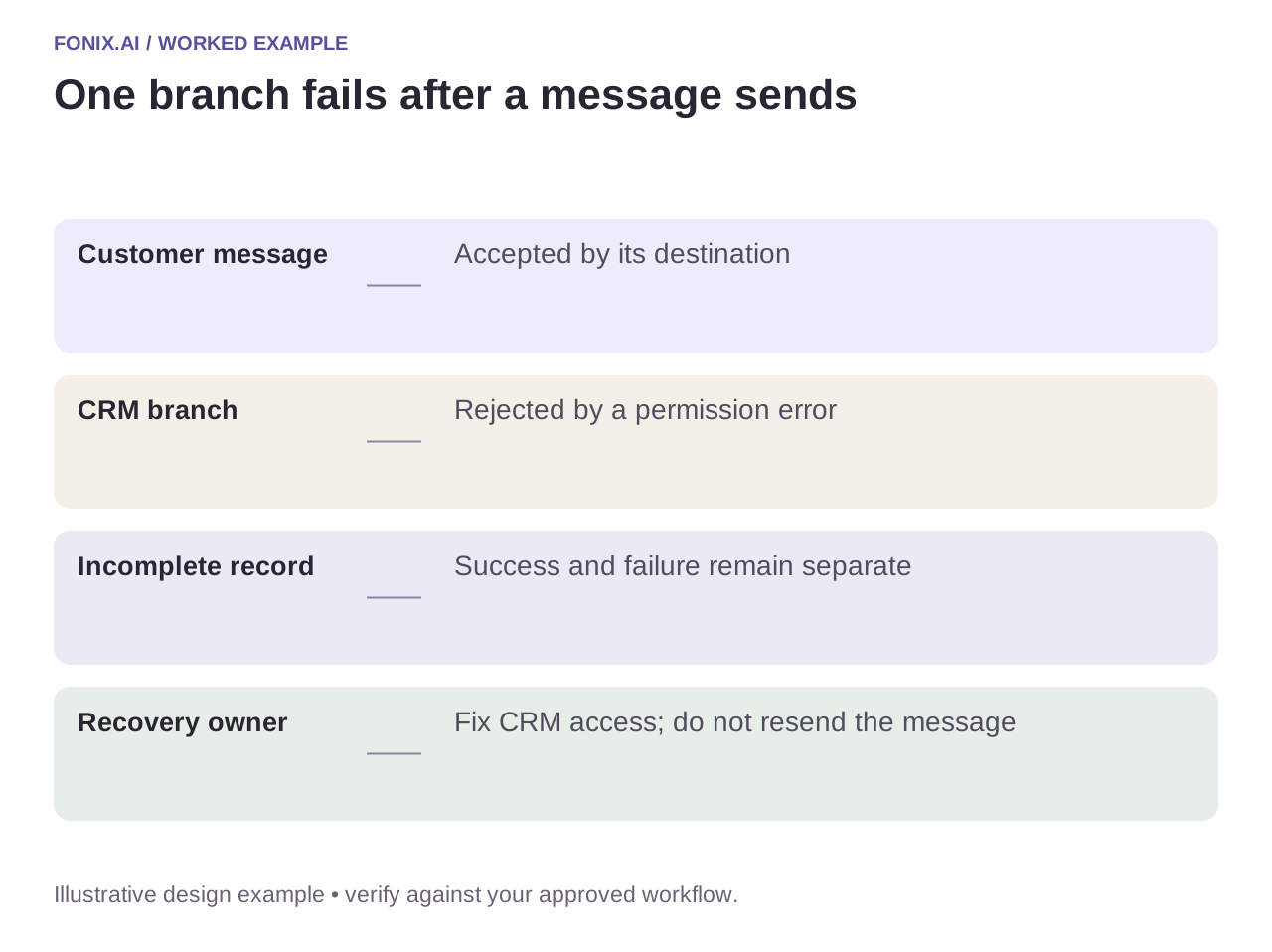
Worked example: a message sends but a CRM write fails
A fictional scenario sends a booking summary and then encounters a CRM permission error. The recovery record should say that the message action completed and the CRM action remains blocked. Replaying the message would confuse the customer and still would not fix permissions.
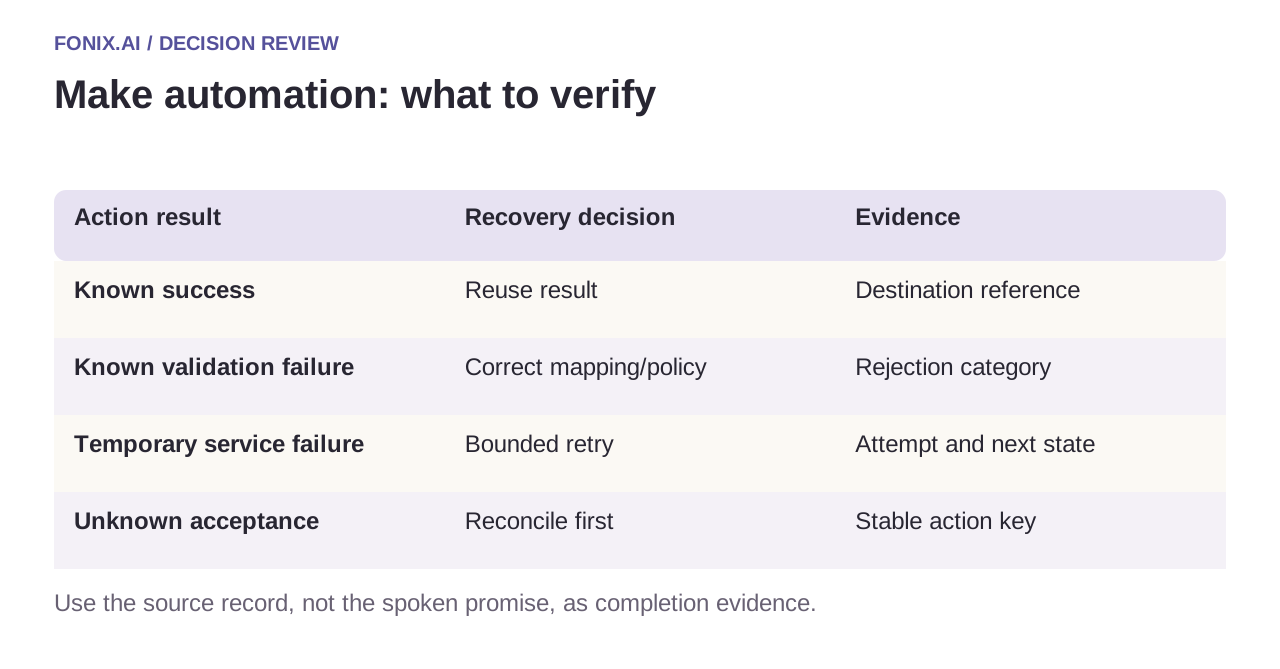
| Action result | Recovery decision | Evidence |
|---|---|---|
| Known success | Reuse result | Destination reference |
| Known validation failure | Correct mapping/policy | Rejection category |
| Temporary service failure | Bounded retry | Attempt and next state |
| Unknown acceptance | Reconcile first | Stable action key |
Preserve ordering where it changes meaning
A later cancellation must not be overwritten by an older delayed confirmation. Re-read authoritative state before consequential writes and define version/conflict rules. Sequential processing can be relevant, but it is not a substitute for verifying the business record.
Keep scenario execution data limited to what each action needs. Transcripts, phone numbers and credentials should not be copied into unnecessary branches. Assign an operational owner to incomplete executions so the queue does not become a hidden backlog.
A Make branch-by-branch recovery exercise
Draw each scenario branch and its side effects. Use synthetic bundles and destination references with a persistent recovery record. Assign an operator to incomplete executions and define when ordering affects the business result.
| Pilot case | Required behaviour |
|---|---|
| The customer message succeeds before a permission failure | Keep the message result and fix the blocked CRM action without sending again. |
| An older confirmation arrives after a cancellation | Re-read current state and prevent the stale confirmation from restoring obsolete work. |
| An action times out after possible acceptance | Reconcile its reference before replaying that branch. |
Report completed intended actions, duplicate messages and unresolved dependencies per business task. Include the incomplete-execution backlog and age. Scenario-level success counts can conceal partial work that customers already experienced.
Does sequential processing eliminate every ordering problem?
No. It can help control execution order, but business records may still change externally or arrive with older revisions. Use authoritative state, durable references and explicit conflict rules before consequential writes.
Test the exact partial-failure point
Fail each destination after the previous one succeeds. Replay a duplicated event and deliver a cancellation before an older confirmation. Inspect destination records and the recovery ledger together. Measure completed intended actions and unresolved dependencies, not only scenario success counts.
Review a Make voice workflow with a route map and approved payload. n8n workflow design offers a comparison of durable event ownership; function reliability covers reconciliation. Official recovery references checked 15 October 2026.