

A practical guide / Fonix.AI
School parent communication: a practical implementation guide
A worked scenario, illustrated decision review and a practical pilot worksheet.
School calls need the right guardian and the current notice
A school parent communication voice bot can deliver approved attendance or event information and capture an acknowledgement or callback request. Its first responsibility is matching the notice to the correct pupil and authorised contact. A shared household number does not mean every message should be read to whoever answers.
Evaluate Fonix.AI with one approved notice type and the school's contact policy. This workflow serves enrolled families; prospective student counselling belongs in the admissions guide. It does not authorise general disclosure of student records.
Resolve audience, relationship and message version
Build the audience from current enrolment and approved guardian relationships. Keep contact priority, preferred language and restrictions in the authoritative school system. Recheck them before calling, especially after a queue delay or a contact update.
Use wording approved for the specific notice. Attendance information, fee enquiries, transport changes and general event reminders have different sensitivity and response routes. Do not let a general notification agent improvise safeguarding, disciplinary or health advice.
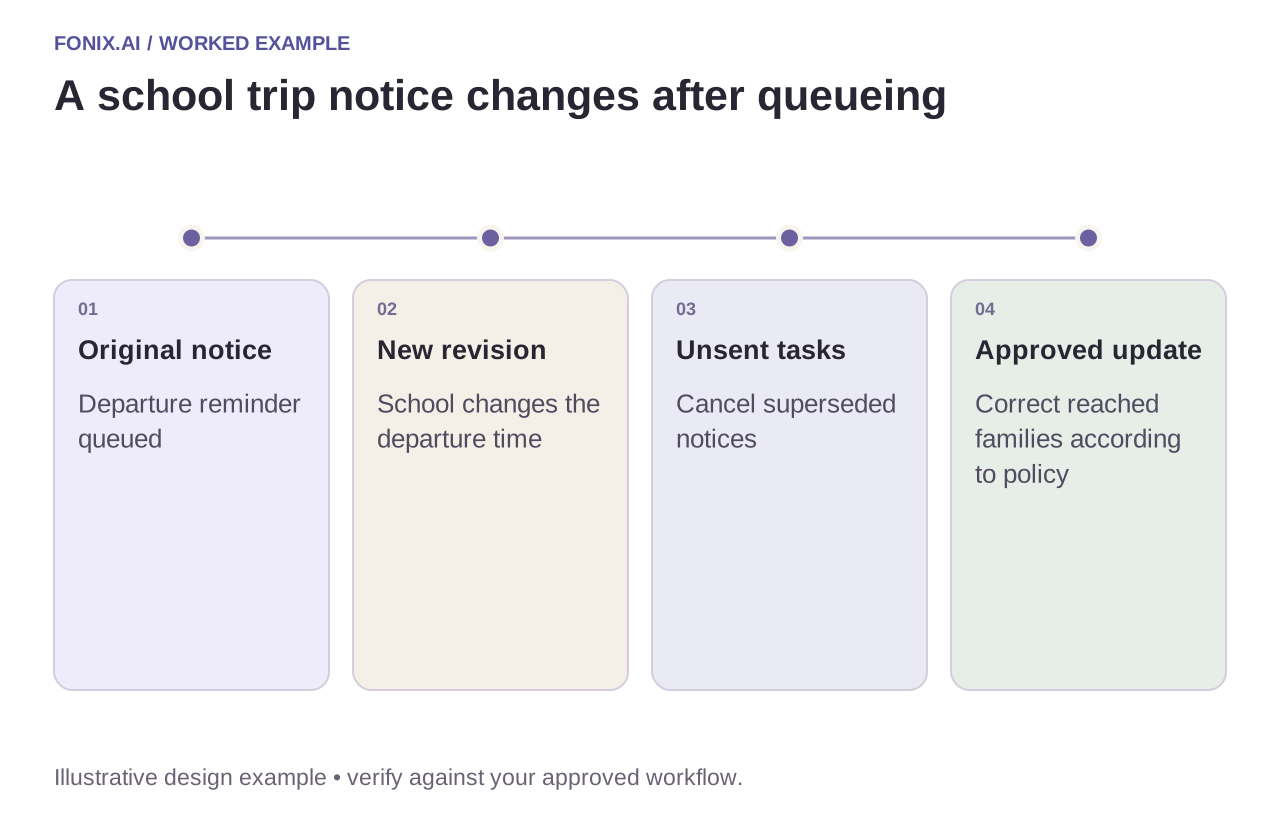
Worked example: a trip departure time changes
A fictional school queues a trip reminder, then changes the departure time. Cancel unsent old notices and create only the approved update for eligible contacts. Families already reached may need a distinct correction under the school's policy; they should not receive two contradictory reminders without explanation.
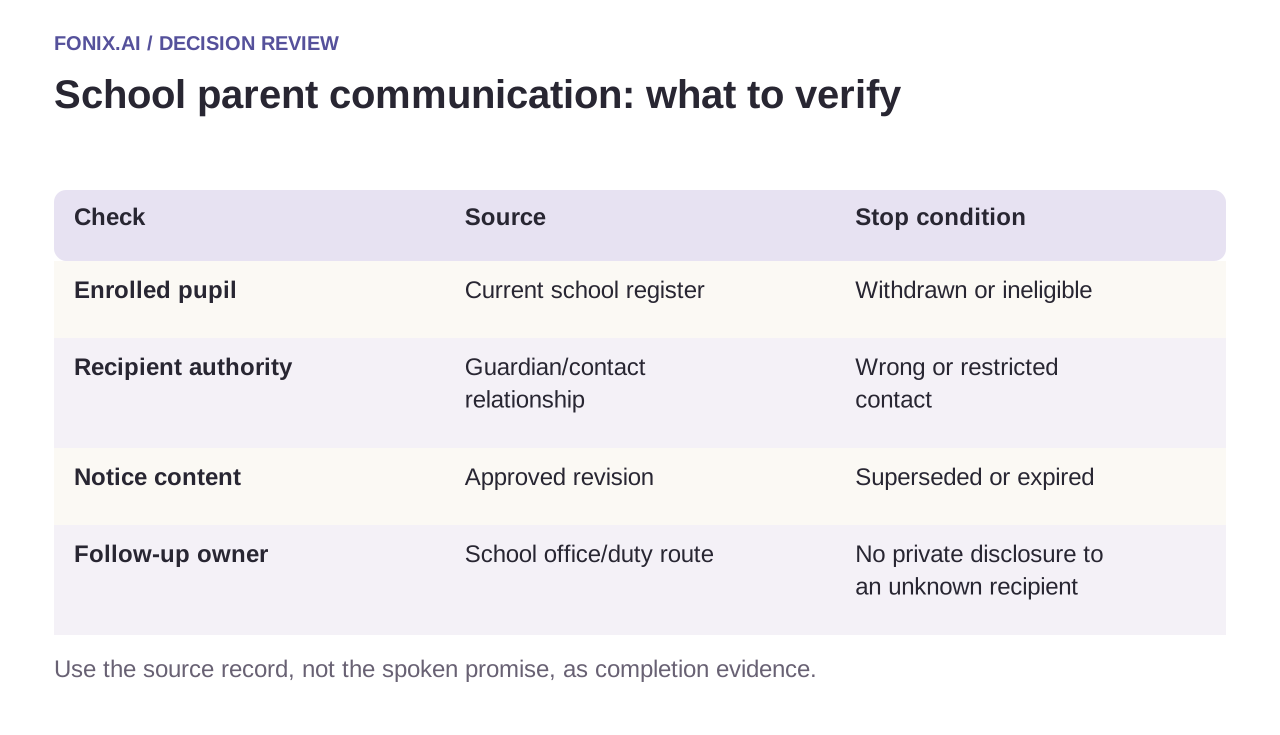
| Check | Source | Stop condition |
|---|---|---|
| Enrolled pupil | Current school register | Withdrawn or ineligible |
| Recipient authority | Guardian/contact relationship | Wrong or restricted contact |
| Notice content | Approved revision | Superseded or expired |
| Follow-up owner | School office/duty route | No private disclosure to an unknown recipient |
Acknowledgement is not permission
Record that a person heard or acknowledged the notice separately from parental consent. A trip requiring a formal approval process should retain that process. A friendly “okay” on an automated call is not automatically an authorised signed permission.
If the guardian asks a private question, follow the approved verification and staff route. Keep a callback request with its topic, receiving team and contact window. Avoid placing sensitive student details in a generic voicemail or broadly accessible call summary.
A school-office notice and relationship rehearsal
Use a fictional school register with guardian relationships, restrictions and withdrawn pupils. Provide versioned notices and approved reply categories. The school office should decide which updates require correction calls and who handles private questions.
| Pilot case | Required behaviour |
|---|---|
| A trip departure changes after notices are queued | Suppress unsent old notices and use the approved correction for families already reached. |
| An emergency contact is not authorised for the requested decision | Apply the relationship rule instead of treating every listed number as a guardian. |
| A recipient acknowledges hearing the notice | Record acknowledgement without converting it into consent for the activity. |
Track eligible-recipient accuracy, stale notices and correctly classified responses. Keep delivered, heard, acknowledged and permission recorded distinct. Include wrong-contact reports and unresolved office follow-ups rather than reporting only connected calls.
Can a verbal acknowledgement count as every required permission?
No. Follow the school's approved consent process for the activity and recipient relationship. If a separate form or guardian decision is required, the call can explain that next step and track its pending state without fabricating approval.
Test relationship and revision errors
Use siblings sharing a number, a changed guardian contact, a withdrawn student and a notice superseded mid-queue. Inspect the spoken message and resulting school record. Measure correct recipients and current messages alongside delivery; do not optimise reach by weakening privacy boundaries.
Bring a sanitised audience schema and approved notice to review school parent communication. Caller verification covers protected information, while outage notification design illustrates obsolete-message suppression.